Kitchen Display Systems for Smoother Service
Coordinate order tickets, stations and restaurant workflows with supported Aldelo kitchen displays.
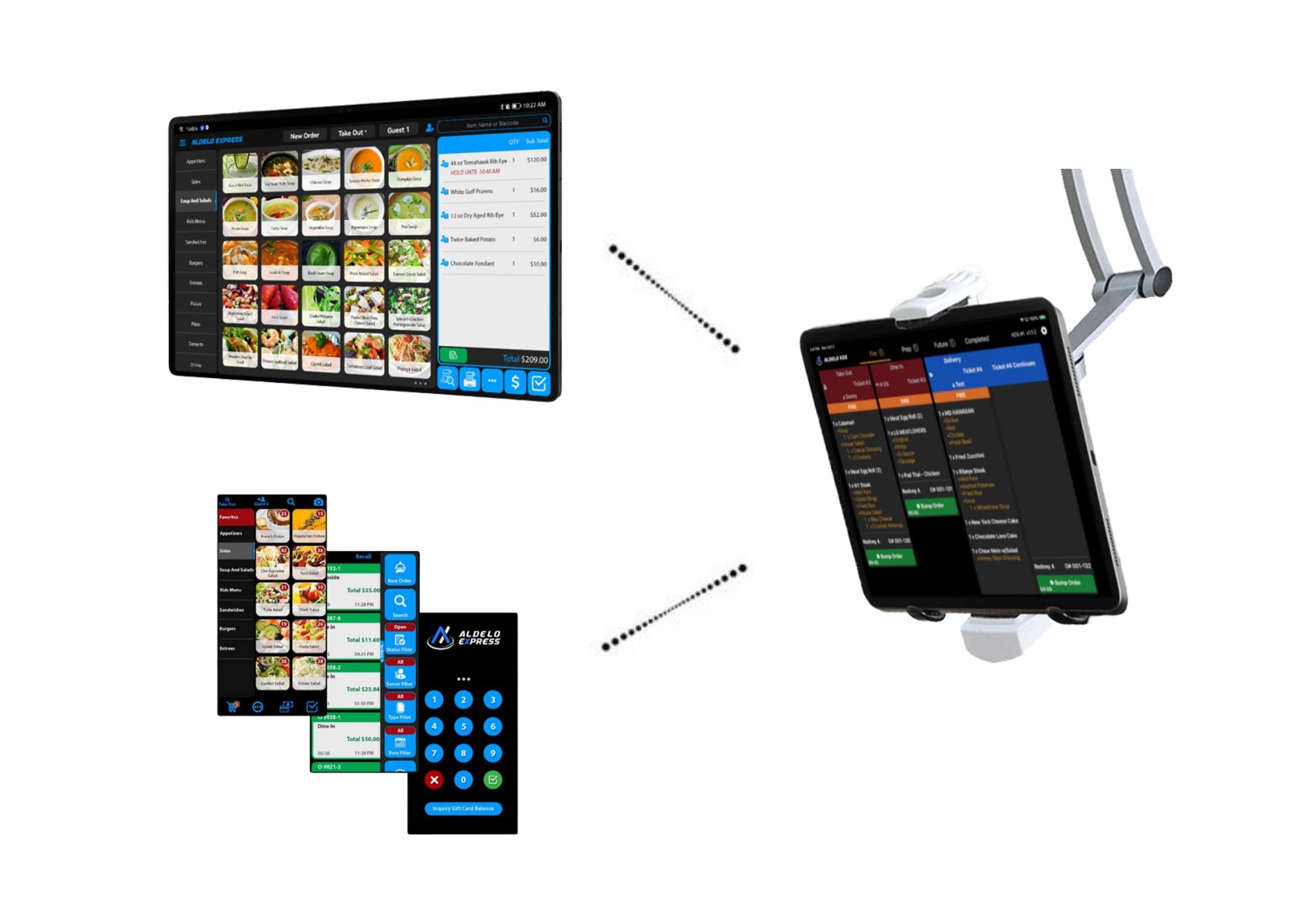
A closer look at the capabilities
Explore the advantages and discuss fit with Russell Consulting.
Station routing
Route appropriate order items to preparation stations.
Digital tickets
Keep orders visible on kitchen display screens.
Timing and alerts
Use supported tools to help kitchen staff monitor ticket progress.
POS integration
Connect kitchen workflows to restaurant ordering.
Printing options
Discuss kitchen printers, displays or a hybrid approach.
Mobile and online orders
Bring connected order sources into kitchen workflows when supported.
From front counter to kitchen to pickup
Choose the right number and placement of screens for your restaurant layout. Evaluate ticket flow, expediting, printers, and staff training together.
- Map kitchen stations and existing order flow
- Select display placement and compatible hardware
- Review ordering integrations
- Plan demonstrations and installation requirements
Common questions
Can I use kitchen printers too?
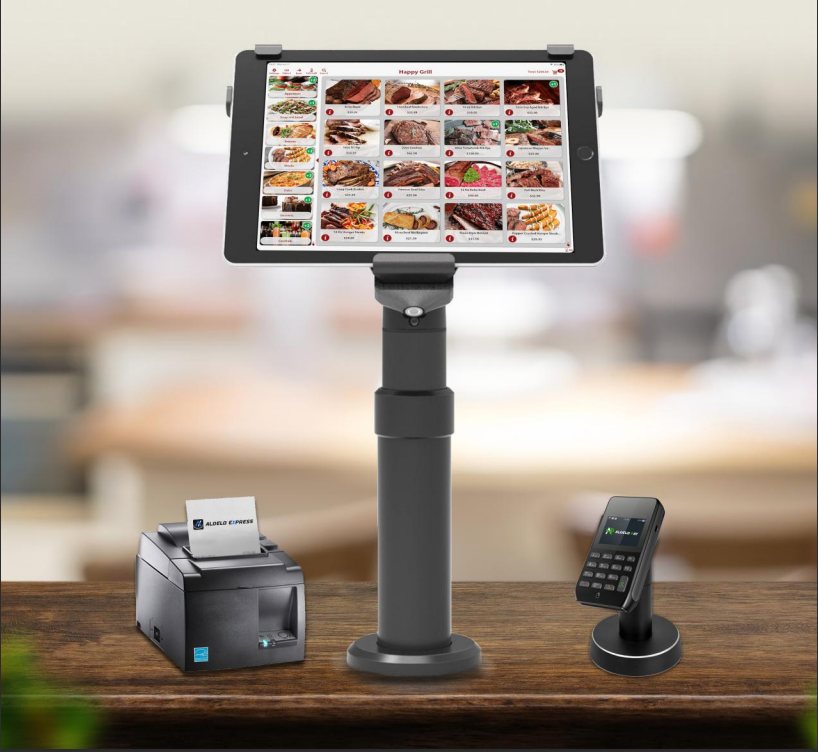
Aldelo describes kitchen display and printer options. Ask about the best configuration for your setup.
Does KDS work with online orders?
Aldelo describes integrated workflows; compatibility depends on the chosen services and configuration.
Explore connected solutions
Let’s discuss your kitchen display systems
Tell us about your restaurant, technology needs and timing. We can discuss which Aldelo solutions may fit.
Aldelo Product Video Tutorials
Learn more from Aldelo’s official video tutorial library. Direct video playback can be enabled after individual embed URLs are approved.